


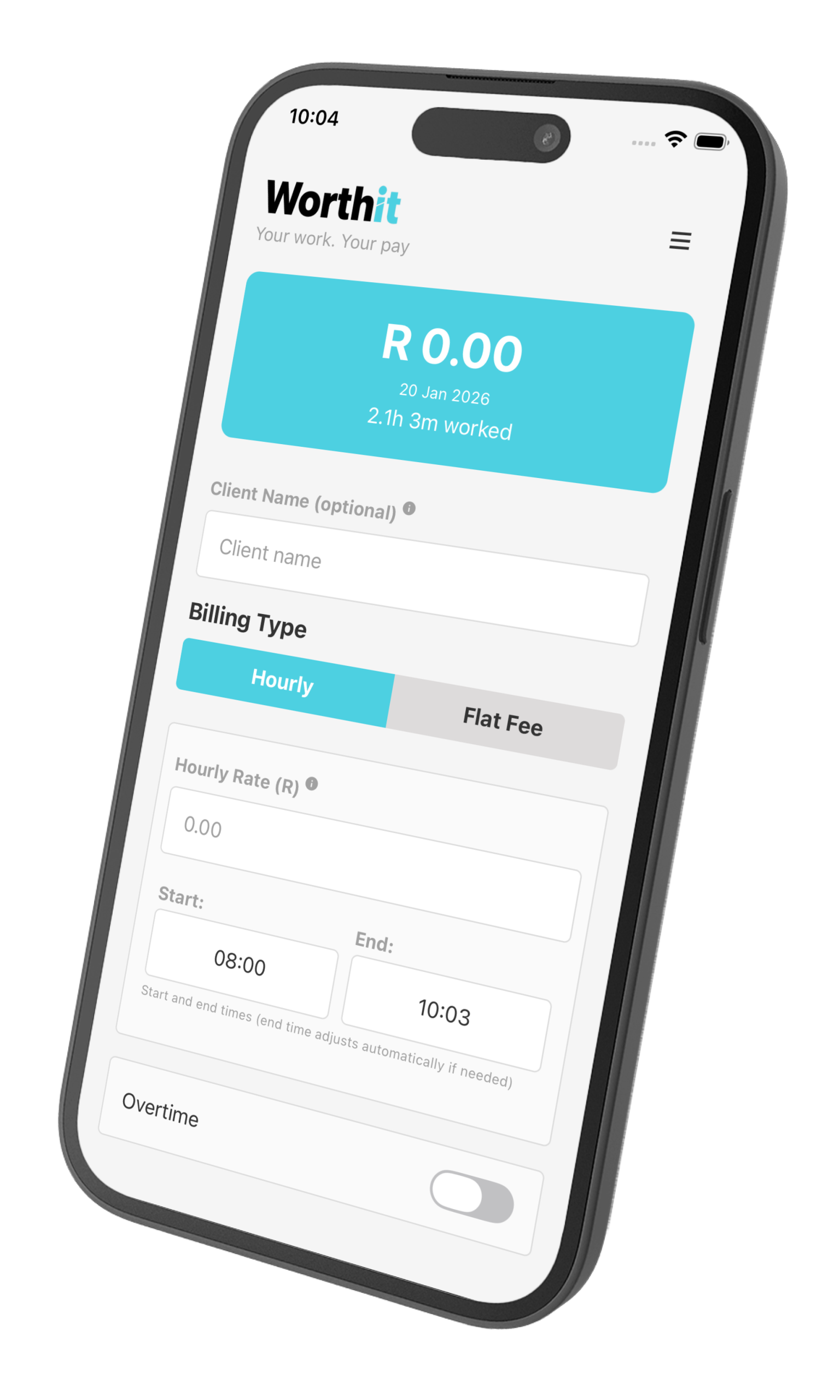
Calculate by Days or Flat Fee
Set a daily rate or flat fee for a specific number of days.
Perfect for short projects, monthly retainers, or fixed contracts.
Clear Payment Breakdown
Show clients:
-
Number of working days
-
Rate per day or total fee
-
Final amount due
No confusion. No back-and-forth.
Simple Invoices
Generate clean, readable invoices that focus on the work — not unnecessary details.
Add Your Own Payment Link
Use the payment platform you already trust.
WorthIt lets you attach a payment link and automatically generates a QR code for easy client payments.
About WorthIt
WorthIt was created to solve a simple problem:
People struggle to explain the value of their time.
Too many tools are built around complexity, subscriptions, or features that distract from what really matters. We wanted something different — a tool that stays out of the way and helps people calculate and present their work clearly.
WorthIt is built for freelancers, contractors, and independent workers who value transparency. It focuses on showing exactly what a client is paying for, whether that’s a daily rate, a flat fee, or a set number of working days.
We believe:
- Your time has value
- Pricing should be clear and fair
- Software should be simple and honest
That’s why WorthIt has no ads and no subscriptions. You pay once for Pro features and keep using the app without pressure or interruptions.
Our goal is not to handle payments or control how you work. WorthIt supports the tools you already trust by letting you add your own payment links and present them professionally to clients.
At its core, WorthIt is about respect — for your time, your work, and your independence.
Help / About
How to Use
Hourly Billing
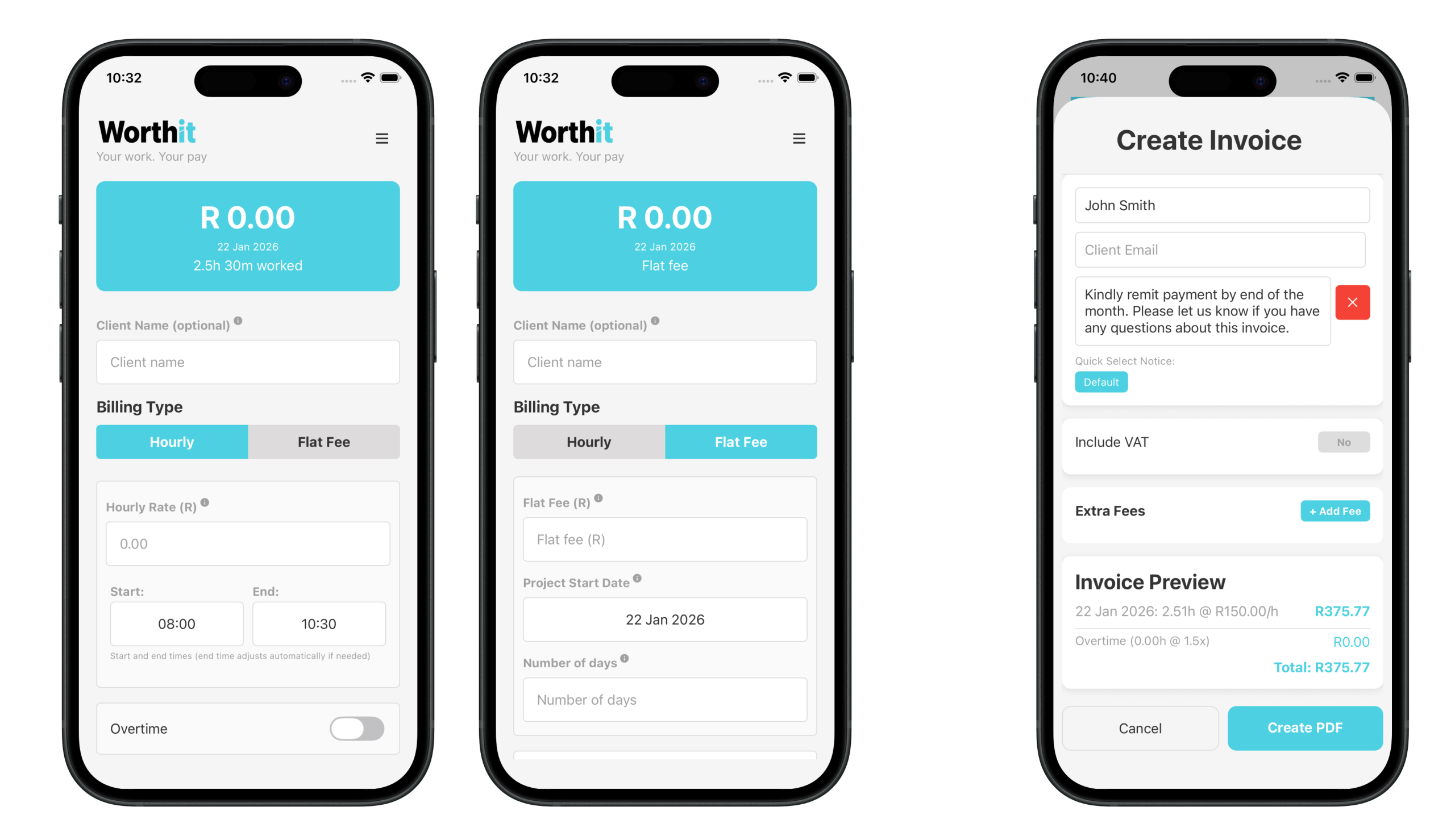
- Select “Hourly” as your billing type.
- Enter your hourly rate.
- Input your start time and end time.
- Toggle overtime if applicable and set the overtime rate (default is 1.5×).
- View your total calculated pay and save the shift.
Flat Fee Billing
- Select “Flat Fee” as your billing type.
- Enter the flat fee amount.
- Set the project start date and the number of days.
- View your total calculated pay and save the shift.
Frequently Asked Questions (FAQ)
What is overtime?
Overtime is calculated at your selected overtime rate (default is 1.5×) for hours worked beyond your regular shift.
Overtime applies only to hourly billing.
How do I calculate my pay?
Choose your billing type.
- For hourly billing, enter your hourly rate and start and end times.
- For flat fee billing, enter the fixed amount.
The app will automatically calculate your total pay.
What is flat fee billing?
Flat fee billing allows you to set a fixed payment amount for a project over a specific number of days. You can define the project start date and duration.
How do I save a shift?
After entering all required details, tap the “Save Shift” button.